macOS app · Free
Rozer Learn Free
A course player for courses you already own. Completely offline.
Apple Silicon only. There's no Intel Mac build yet.
- Version
- 1.0.0
- Platform
- macOS 11 and later, Apple Silicon
- Price
- Free
What it is
A folder of 200 numbered files isn't a course.
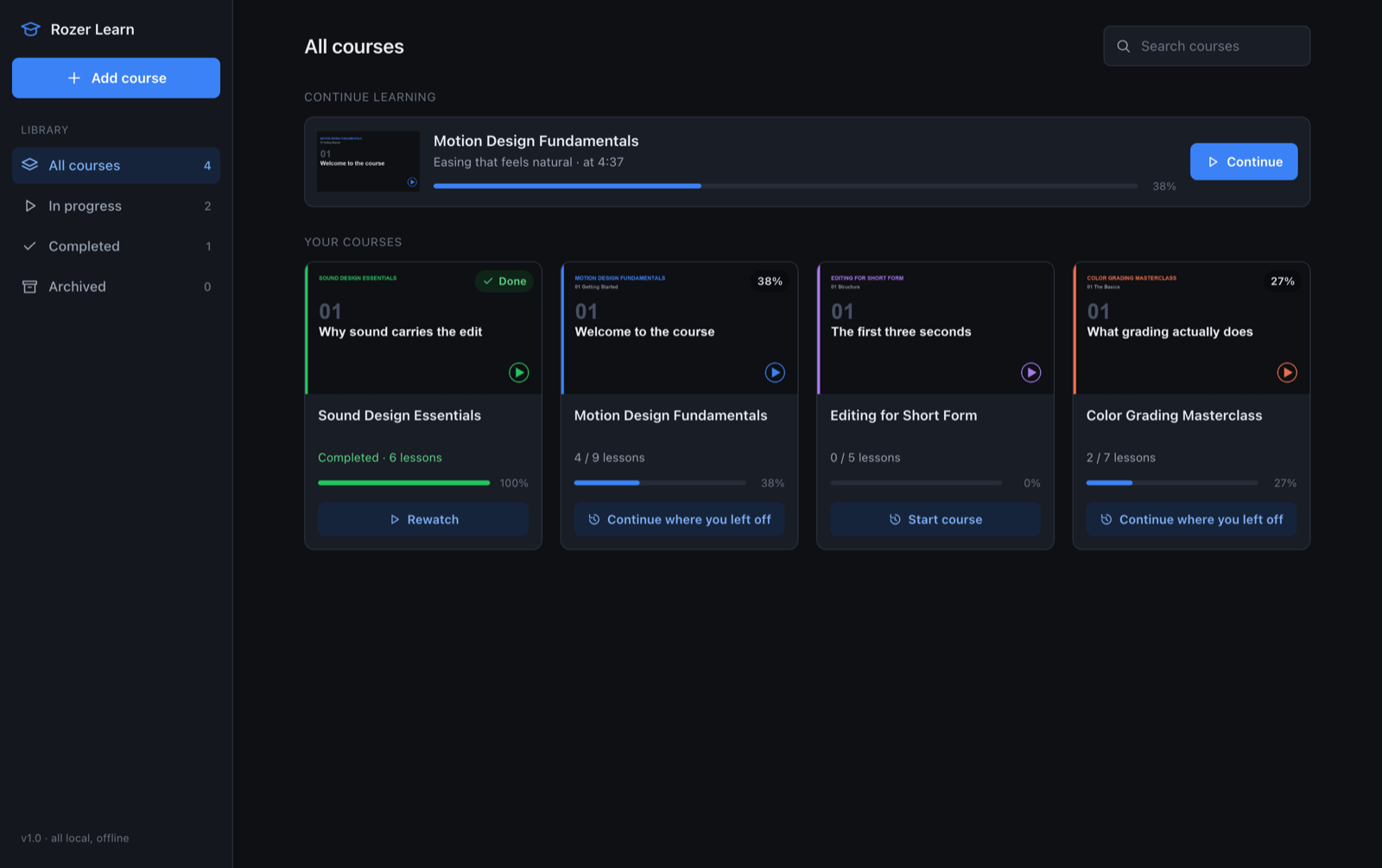
Downloaded courses arrive as a mess: nested folders, files called 01_intro_final_v2.mp4, no way to tell what you've watched. Point Rozer Learn at the folder and it works out the sections, the lesson order and the durations, then plays it back like the course site did. Your files never move, and nothing is uploaded.
What it does
Point it at a folder
Sections, order and durations worked out for you. Files are never moved or renamed.
Resume to the second
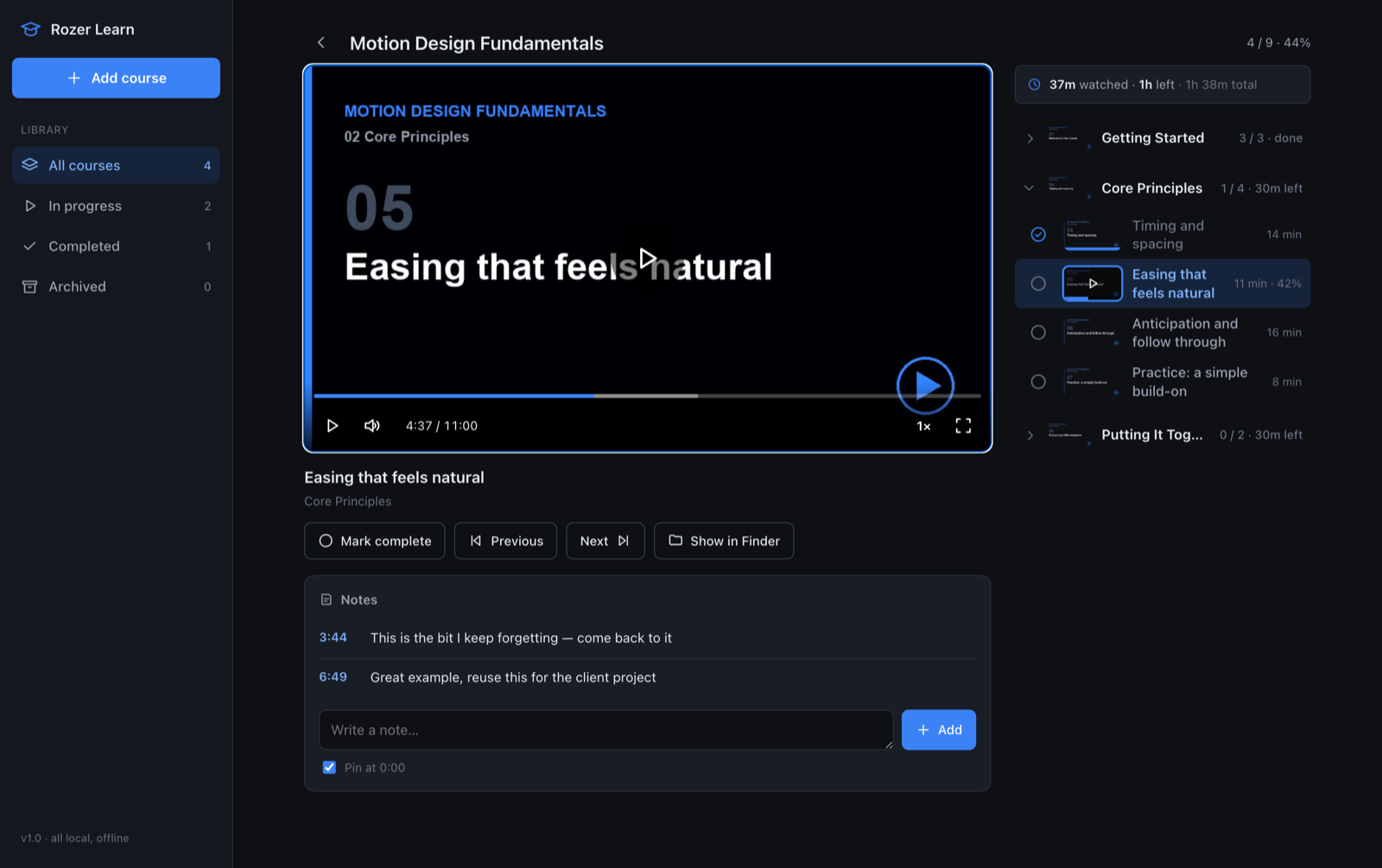
Every video and every course remembers exactly where you stopped.
Progress you can trust
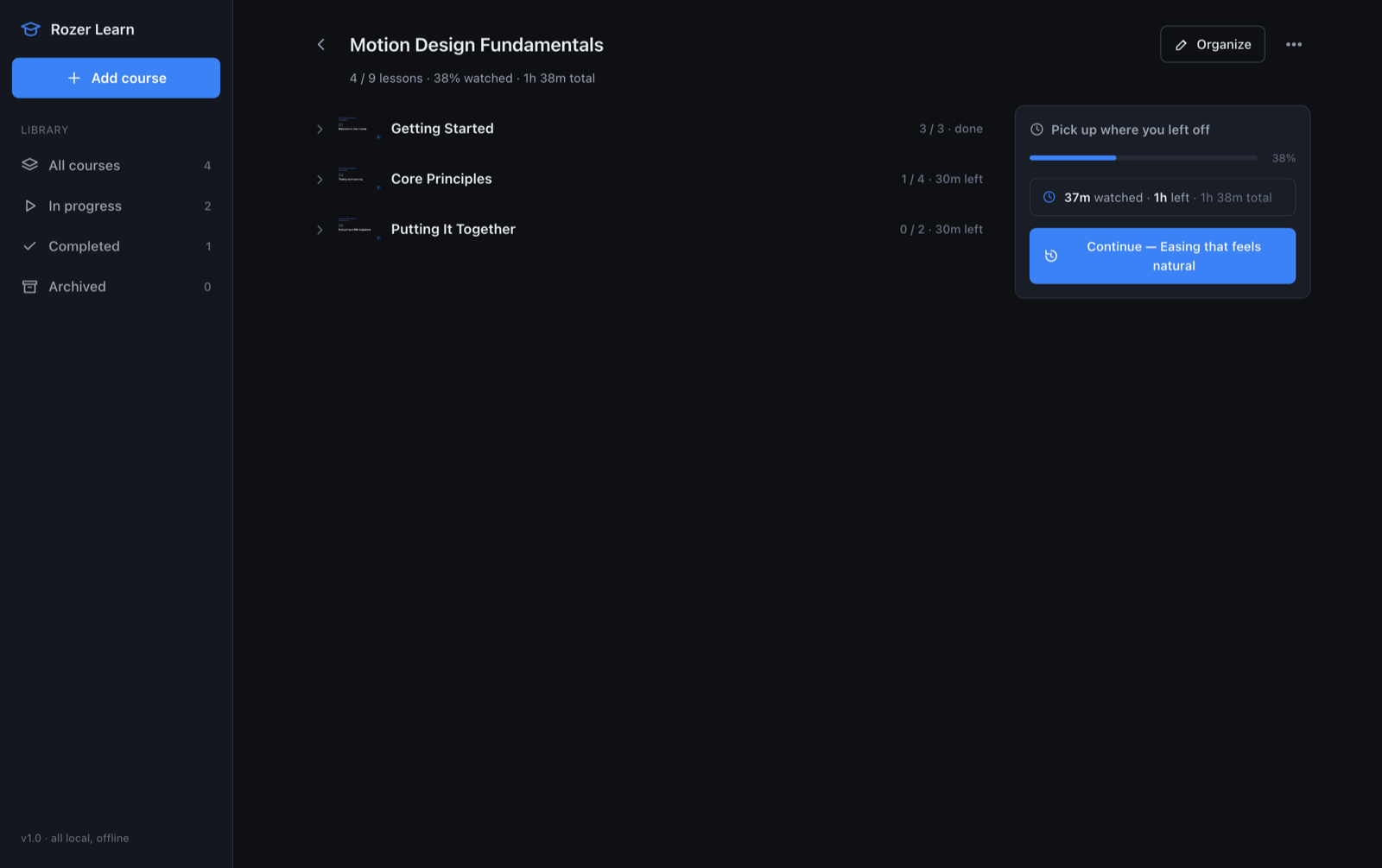
Minutes actually watched, not ticked checkboxes. Time left per section.
Timestamped notes
Click a note to jump straight back to that moment.
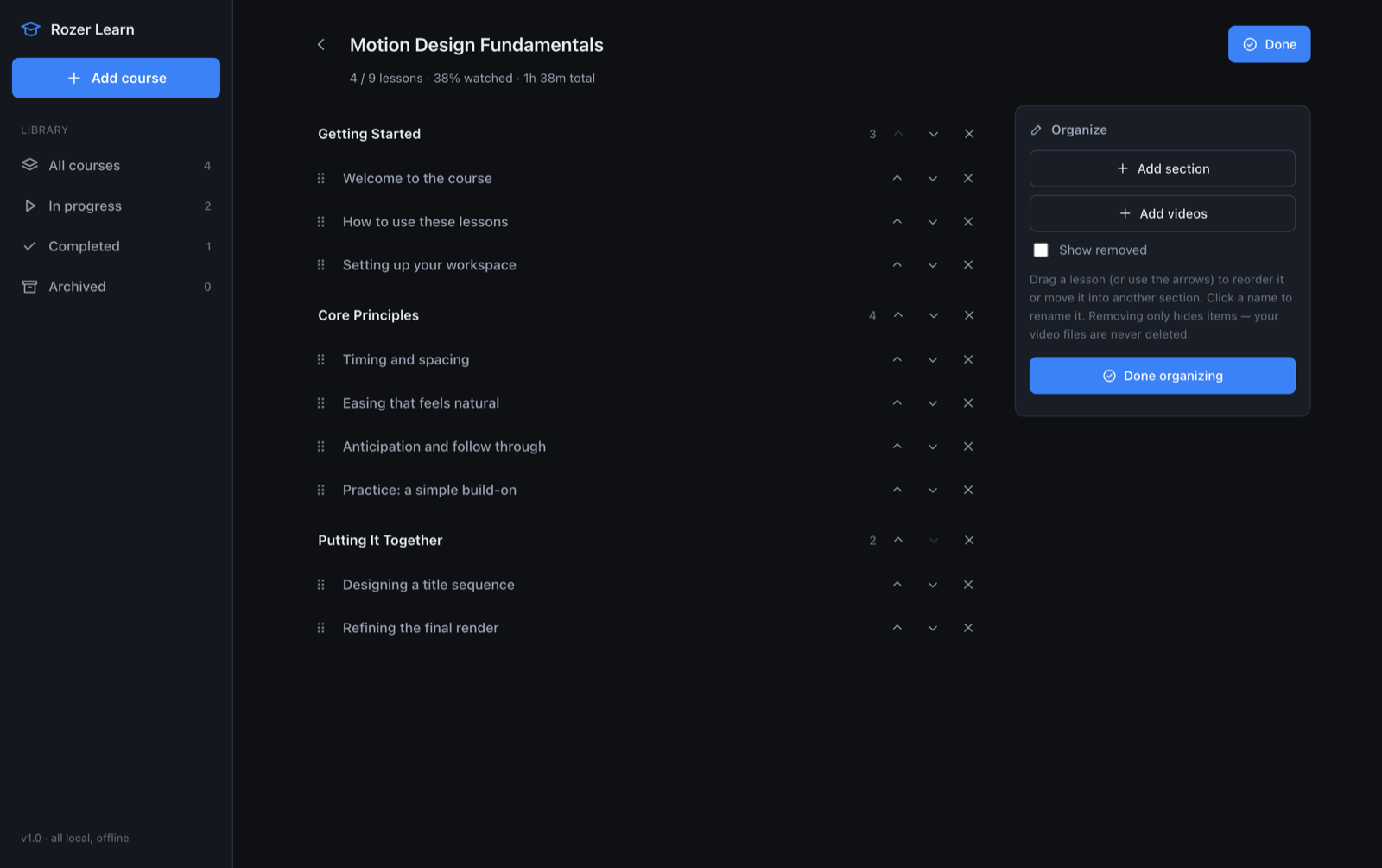
Organize mode
Reorder, rename, hide the junk, add sections. Survives a rescan.
Nothing leaves the Mac
No account, no sign-in, no server, no telemetry. Works with no internet.
A look inside
Installing
Right-click to open it the first time.
The installer isn't signed with an Apple Developer certificate, so a plain double-click gets you an "unidentified developer" warning. This gets you past it.
- Download the
.pkg. - Right-click it and choose Open, not a double-click.
- Click Open in the dialog, then follow the installer.
- Rozer Learn appears in your Applications folder.
Requirements
- PlatformmacOS 11 Big Sur or later
- ChipApple Silicon (M1 and later). No Intel build yet.
- WindowsNot available yet
- Plays in-appMP4, M4V, MOV and WebM. MKV, AVI, WMV and FLV still track progress but open in your own player.
- NetworkNone. Only the optional YouTube import needs one.
- SizeAbout 39 MB